Nes Game
Creating an NES game to learn 6502 Assembly.
I created this NES game, Cat Dash, to gain experience with assembly language programming.
You can play it online here. Give it a try!
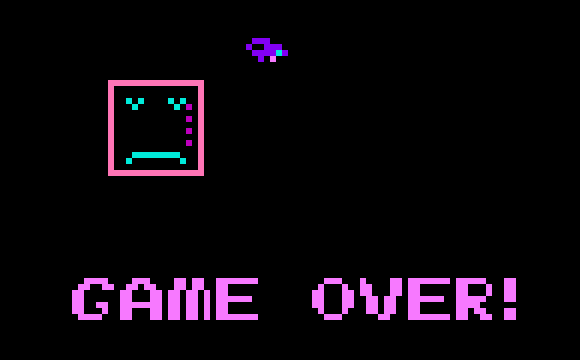
In the game you play as a cat in a backyard catching birds. Your energy drains as you move around and you must catch birds to recharge your energy. You must sneak up on the birds when they are eating. If you run out of energy it is game over.
Tools Used
There are plenty of tools to assist in the creation of NES games. Here are the ones I used to help me create Cat Dash:
ca65 Assembler
ca65 is a powerful assembler that targets the 6502 and is perfect for creating NES games. Check out the ca65 User Guide.
FCEUX
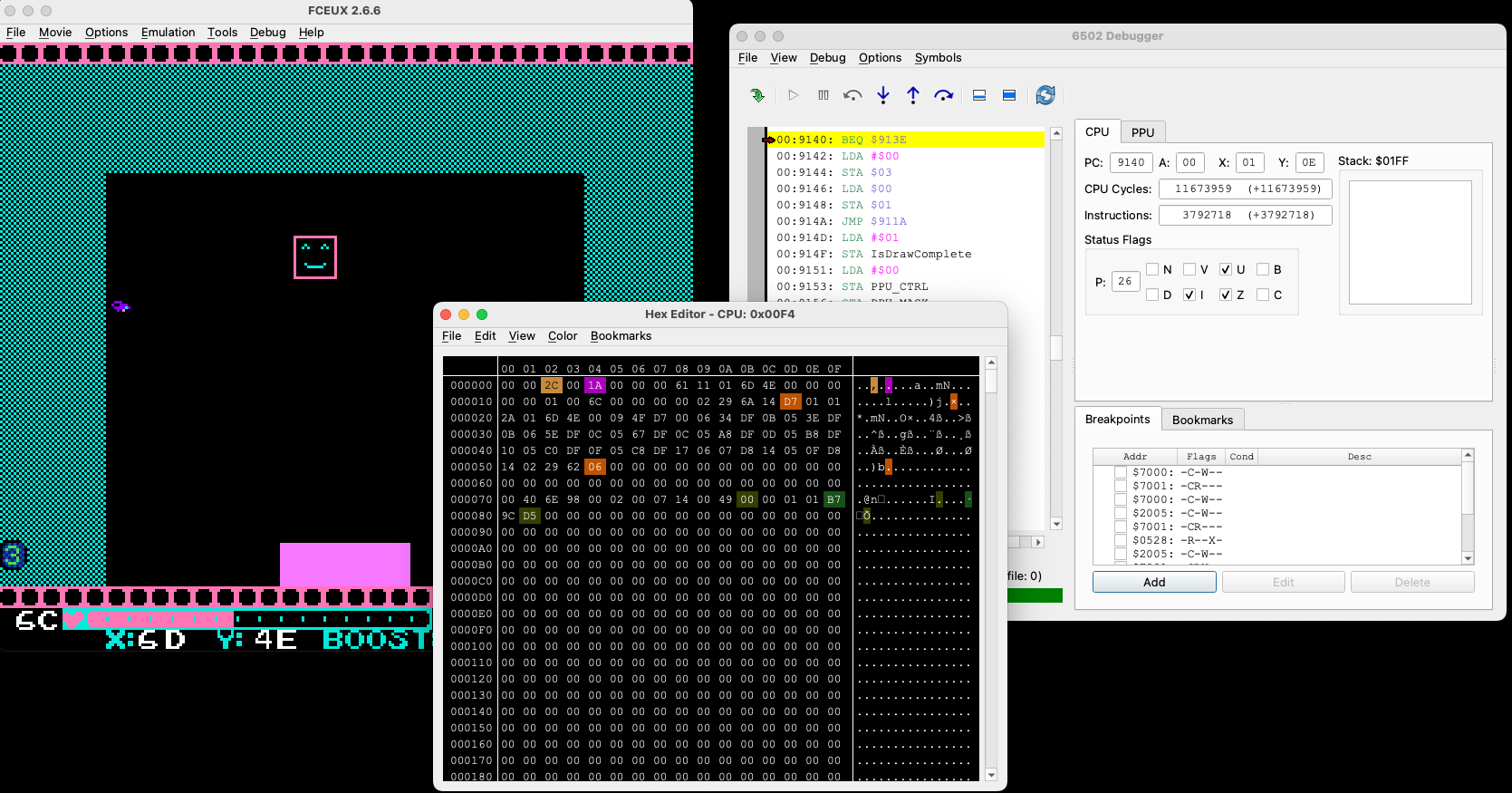
FCEUX is an NES emulator that includes helpful debugging tools including a hex editor and PPU viewer which allows you to see all the inner workings of the system as your game runs.
NES Lightbox
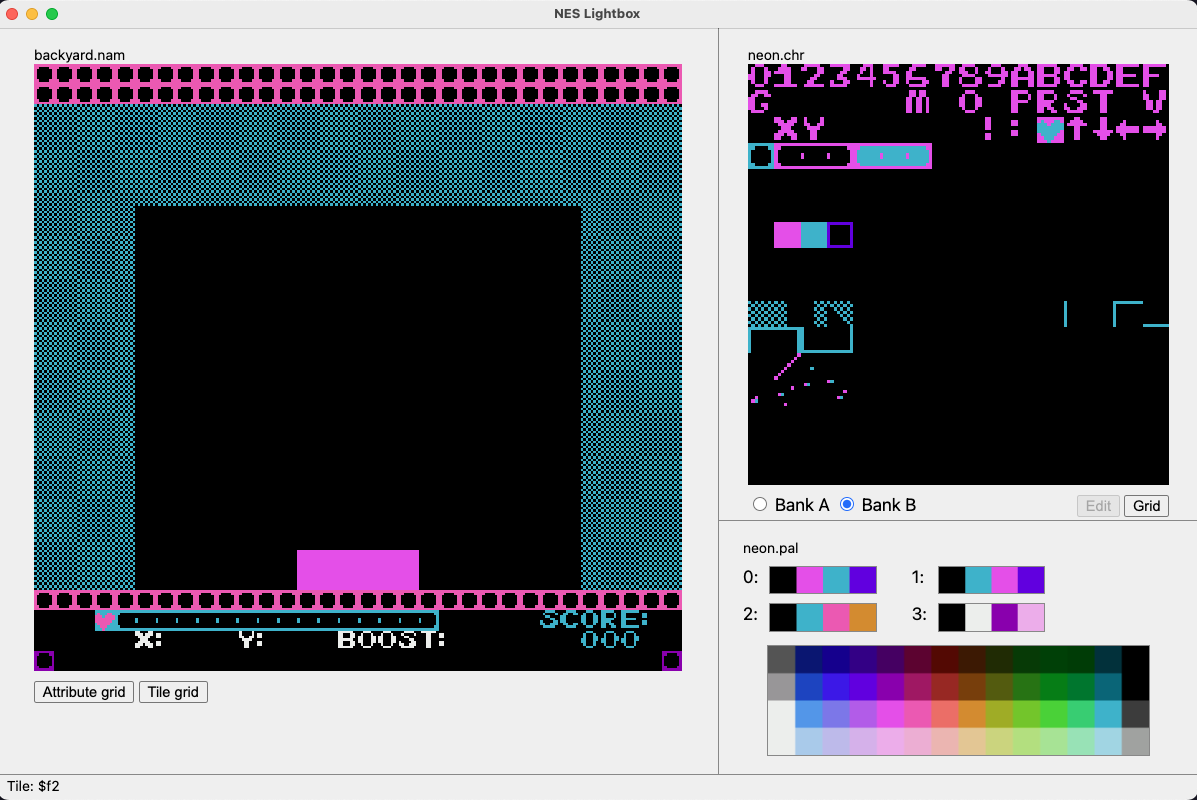
NES Lightbox is a tool used to create sprites and background tiles for NES games.
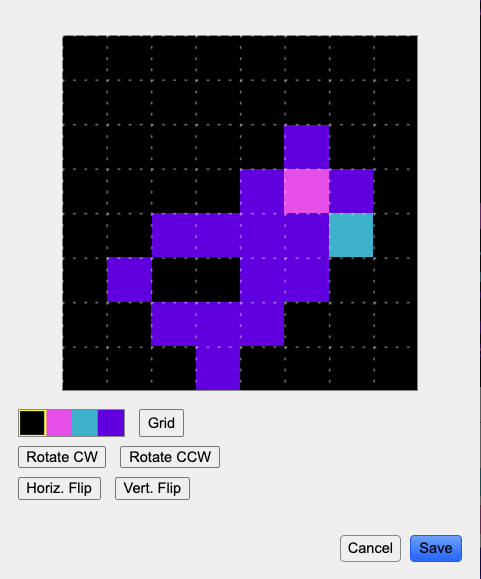
The NES uses 8x8 pixel tiles. This was my first attempt at pixel art. I was quite pleased with how the bird turned out.
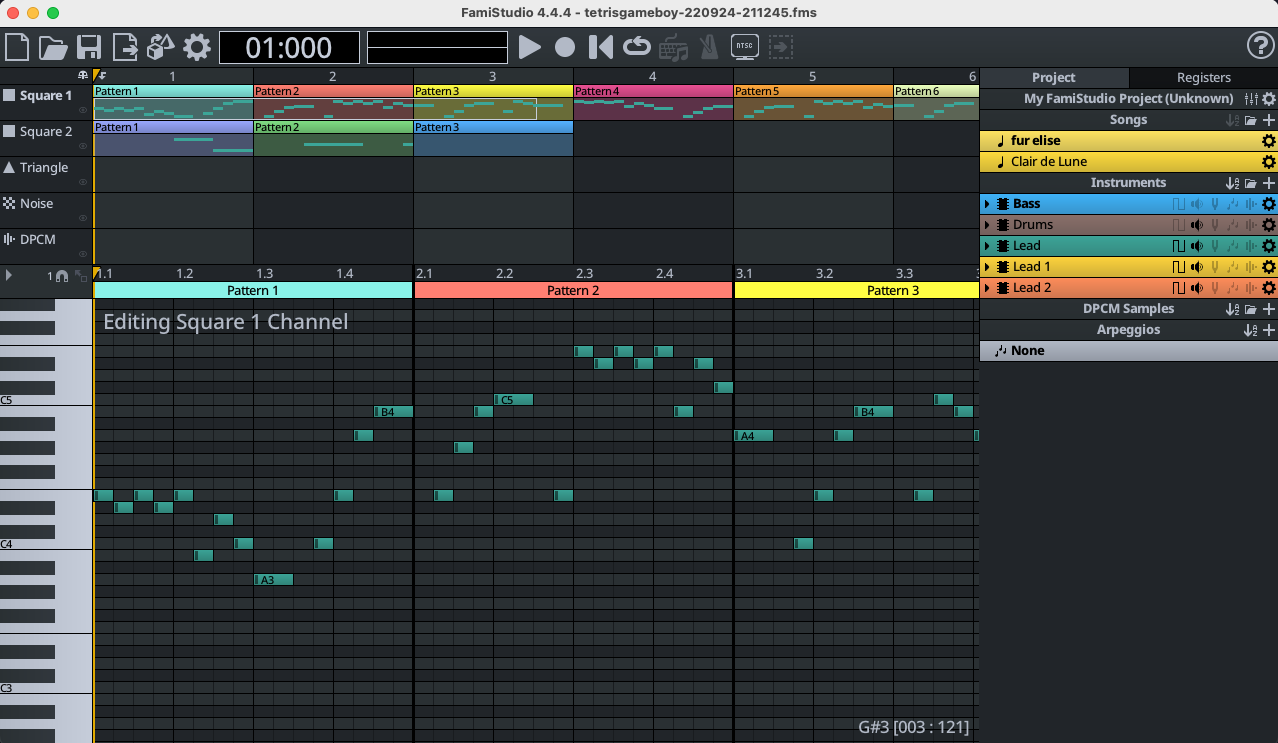
FamiStudio
FamiStudio is a tool for creating music and sound effects for NES games. It also includes a NES Sound Engine which is assembly code that provides an API to playing sounds and music in your NES game.
Resources
I highly recommend Gustavo Pezzi’s course NES Programming with 6502 Assembly which is available here. It’s a great resource with hours of video that walks you through the entire process of creating an NES game.
What’s next for Cat Dash?
If I revisit Cat Dash in the future here are some things I’d like to work on:
- High score display
- New types of prey, maybe mice?
- A boss fight, I’m thinking a goose (I’ve seen my cat stare longingly (?) at geese in the yard).
- DPCM sample to play a meow sound. FamiStudio supports converting wav files into DPCM samples that the NES can play but I was unable to get this working in a reasonable amount of time.
- Get it running on a real NES
- Port to gameboy